Have you ever received a holds notification and wondered, "Was this for me or ...? And why did I put it on hold?" Well, there's a new feature in your account designed to help you answer these questions!
When viewing your holds in your account, you'll now see an option to add a private note, just under the title and item description.
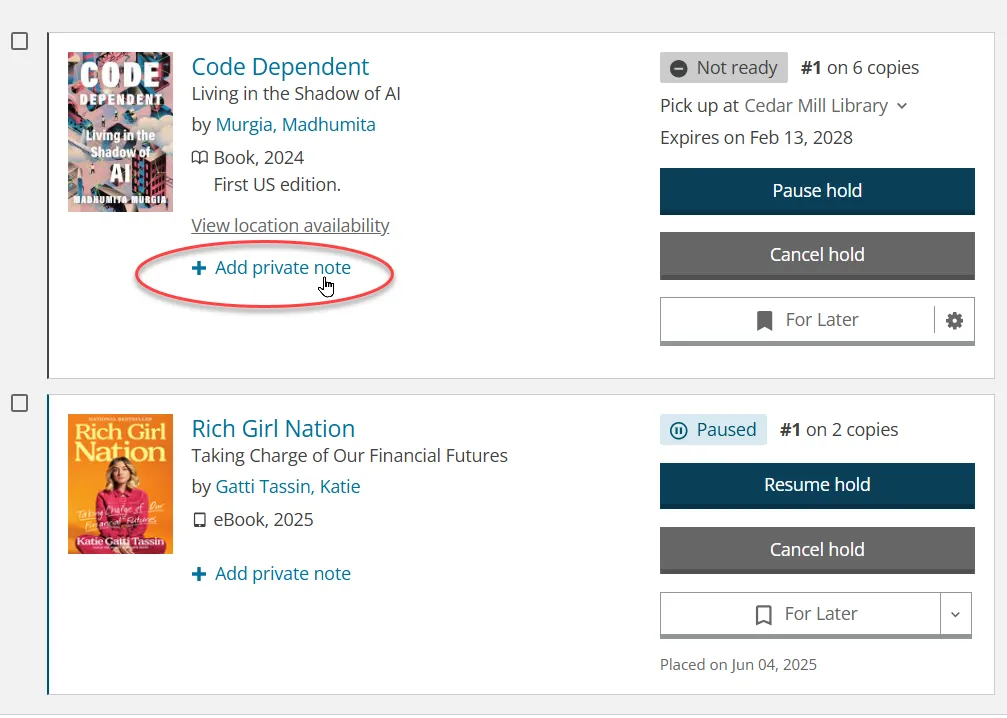
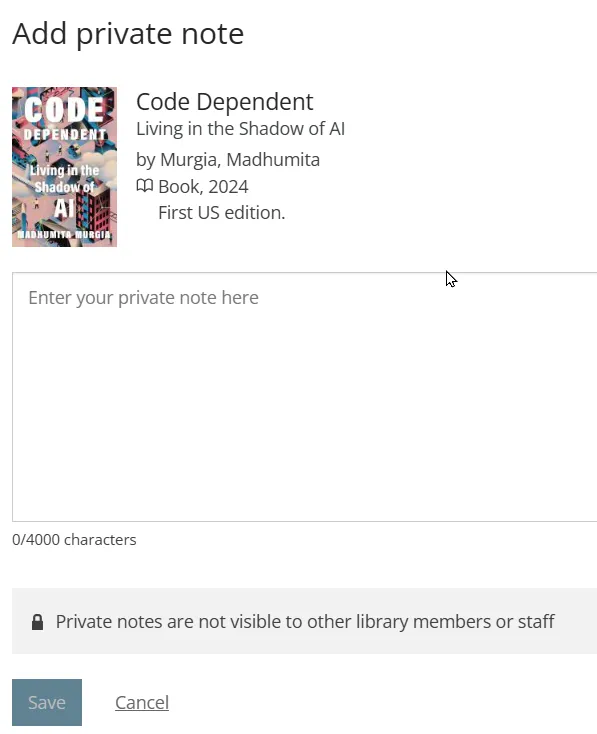
Click on "+add private note" and it will open a new window where you can type a note to yourself. This note will only be visible to you when you are logged in and will be deleted when the hold is filled (or when you choose to delete it). You can record why you placed the hold, who it's for (if you place holds for others), where you heard about it, or any other info that may help you manage your holds.
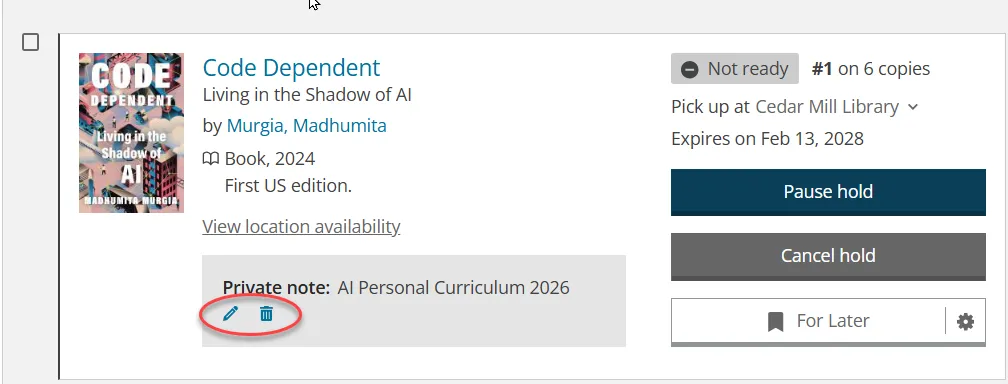
After you have saved the note, it will appear in the title display for the hold in your account. You have the option to edit the note or delete it until the hold is filled. Once the hold is filled, the note is automatically deleted.
Give this feature a try next time you place a hold!
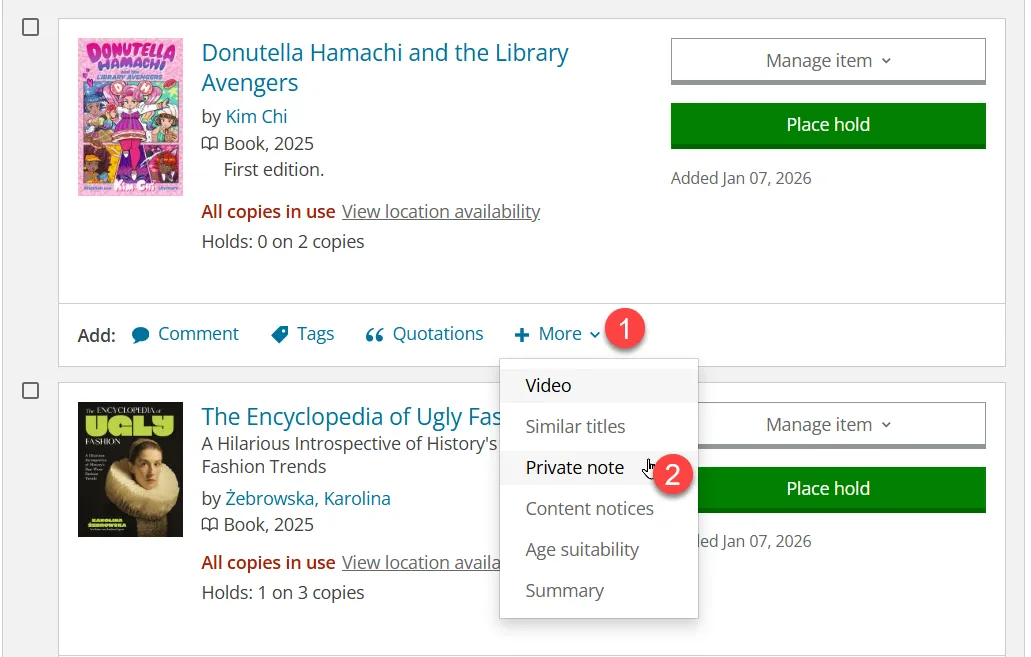
PS: This feature is also available from your "For Later" Shelf under the "+More" option. If you add a note to an item on your "For Later" Shelf and then put the item on hold, the note will stick and follow the item to the holds area of your account.
Tell us what you think about this new feature!