
Homework Help

Meet with an online tutor and take practice tests for the SAT, ACT, AP exams, and GED. Access resources to help you achieve academic success.
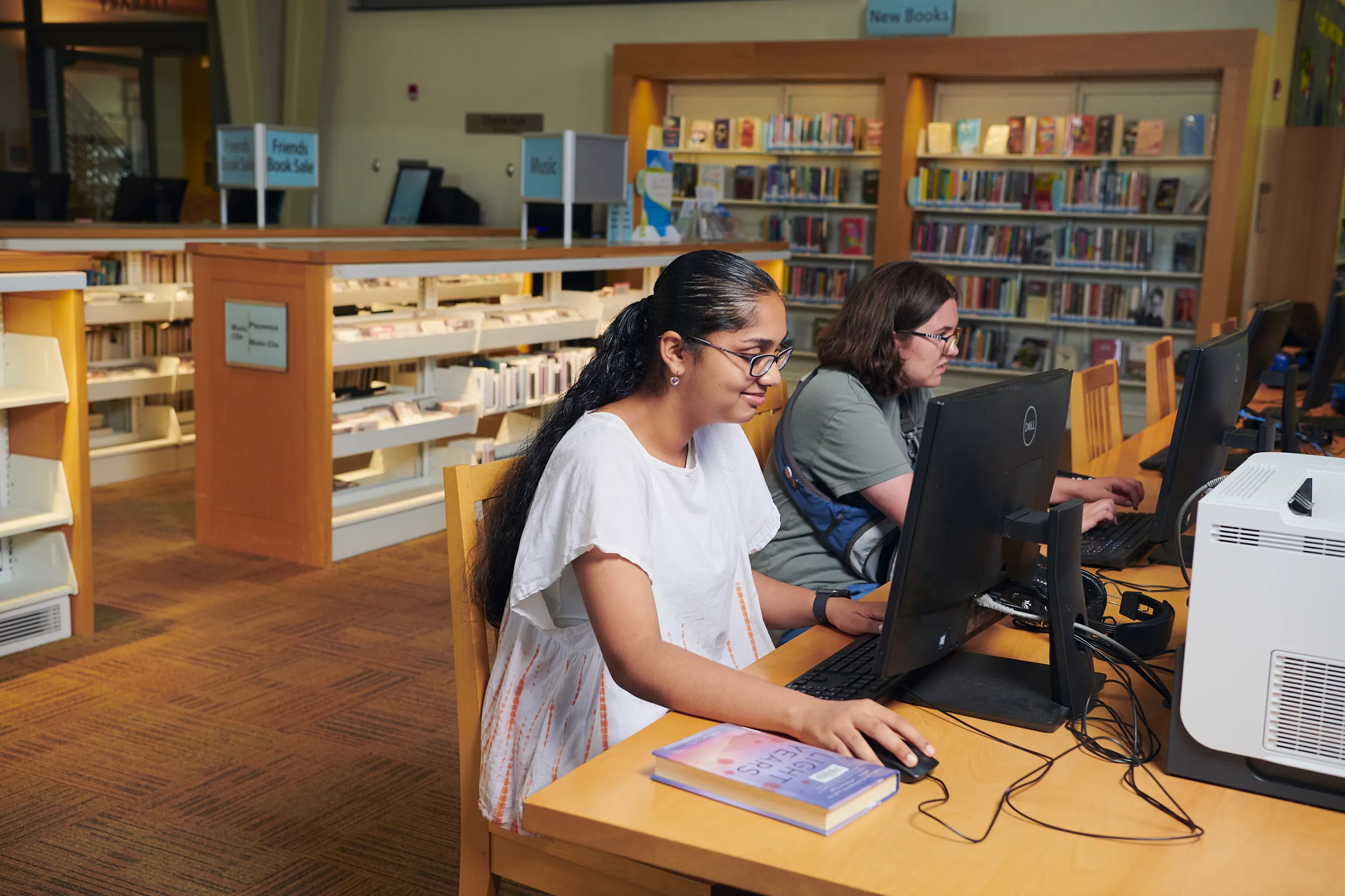
Teen girl with long black hair and wearing white top is sitting at a desktop computer in the library.

WCCLS offers homework help and supports student learning for all ages. Get started with one of these free resources from our digital collection.

Teen girl with long black hair and wearing white top is sitting at a desktop computer in the library.

Online tutoring

Chat with a live tutor online daily, except holidays. English and Spanish-speaking tutors are available. Plus, get feedback from the writing lab and take practice standardized exams.
Get Started

In-person help – no library card required

Cornelius Public Library holds Homework Help on Wednesdays from 5 pm to 7 pm. The program is open to students of all ages. Homework helpers are volunteers, some of whom are bilingual (Spanish/English). No registration is required.

 View Events

Beaverton City Library Main offers Homework Help for students in grades 6 through 12 on Mondays from 4:30 pm to 6 pm. Call 503-350-4001 to check availability. 

Learn More

View EventsNorth Plains Public Library provides Homework Help through 30-minute appointments on Wednesdays at 5:30 pm and 6:00 pm. Registration is required.

 Sign Up

Smiling kid in yellow shirt covers eyes with a library card while parents giggle nearby

Get a card

Registering for a WCCLS library card is free and easy! Students can get a special card to access online resources and check out books. No ID, proof of address, or parental signature is required.

Learn More

Use Gale in Context to find magazines and newspapers, primary documents, plays and poems, and multimedia content for homework assignments, as well as topic overviews and study guides. Get started with the right age group below.

Elementary

Middle School

High School


Two teen boys are sitting at desktop computers in the library.

SAT Prep Recordings Now Available

  1. Go to Brainfuse

  2. Click on "Go to Resource"

  3. Log in with your WCCLS library card number and PIN

  4. Log in to Brainfuse with your username and password, or create a Brainfuse account. (You need an account so you can save your progress.)

  5. Click on "SkillSurfer" in the first column, labeled "Expert Help".

  6. Click on "Brainfuse Webinar Series"

  7. Click on "SAT Prep"

  8. Click on the recording(s) you want to view