
Print from Anywhere

Print documents remotely and pick up at any WCCLS library. No library card required. Use a web form, email, or the Princh app to upload files. Printing costs vary by location.
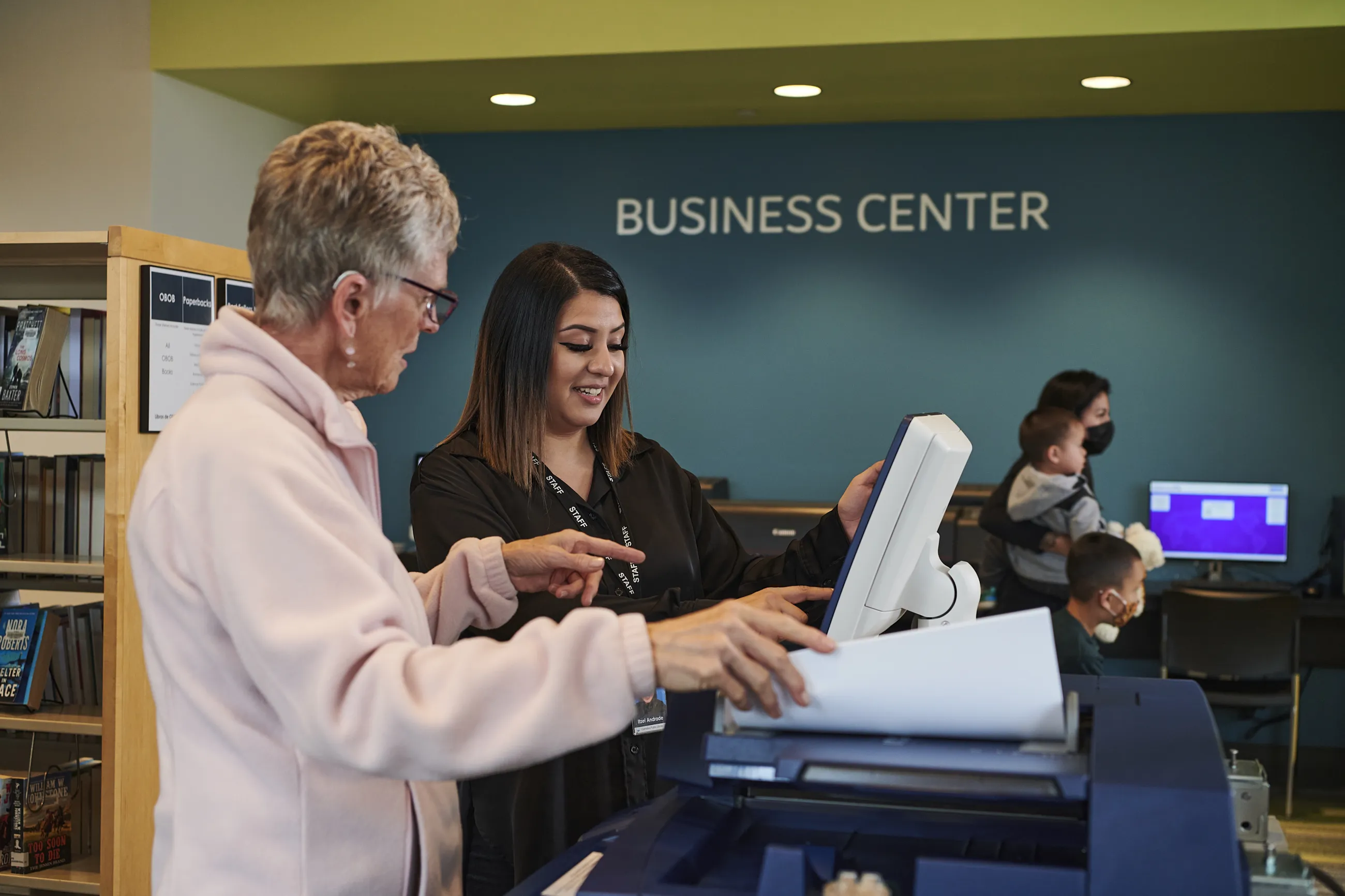
Print a document from anywhere on any device (computer, smartphone, etc.), and pick up at any WCCLS library. No library card required. 

Three ways to print:

  1. Webform: Select your library below before uploading the document.
  2. Email or email attachment: Email the document to your library's email address listed below.
  3. App: Download the free app from Princh (a service used by WCCLS).

At the library, go to a Print Release Station computer and follow the onscreen instructions.
Printing costs

Costs vary by library. You will be able to view the total cost of your print job after uploading your document(s).

Aloha Community Library

Print by Web Form

Print by Email:

Banks Public Library

Print by Web Form

Print by Email:

Beaverton City Library Main

Print by Web Form

Print by Email:


Beaverton City Library Murray Scholls

Print by Web Form

Print by Email:

Bethany Library

Print by Web Form

Print by Email:

Cedar Mill Library

Print by Web Form

Print by Email:


Cornelius Public Library

Print by Web Form

Print by Email:

Forest Grove City Library

Print by Web Form

Print by Email:

Garden Home Community Library

Print by Web Form


Hillsboro Public Library, Brookwood

Print by Web Form

Print by Email:

Hillsboro Public Library, Shute Park

Print by Web Form

Print by Email:

North Plains Public Library

Print by Web Form

Print by Email:


Sherwood Public Library

Print by Web Form

Print by Email:

Tigard Public Library

Print by Web Form

Print by Email:

Tualatin Public Library

Print by Web Form

Print by Email:


West Slope Community Library

Print by Web Form

Print by Email:


Questions about printing

Please contact your library for all printing questions.